
Essential Maintenance Guide for Plastic Card Printers

Card Printer Maintenance Guide

      Organizations investing in professional plastic card printers naturally expect their hardware to operate reliably over a multi-year lifespan (5 to 10 years). Whether producing daily employee badges, membership cards, or official citizen credentials, routine maintenance safeguards your investment, minimizes downtime, and guarantees crisp print quality on every card pass. Understand the core internal and external factors that affect card printer longevity and how to maintain peak operational performance:

Key Environmental Threats to Card Printers
Dust Prevention in Card Printers

      1. Airborne Dust and Debris: Dust is the primary adversary of thermal printing mechanisms. Always position card printers on elevated desks away from exterior entrance doors, windows, and ground floors where foot traffic stirs dust particles. When dust penetrates the machine:
      • Transport Rollers: Debris coats rubber rollers, reducing traction and causing frequent card feed jams.
      • Thermal Printheads: Dust settled on thermal heating elements causes microscopic burnouts. This results in permanent white vertical streaks across printed cards, requiring costly printhead replacement.
      • Optical Sensors & Mainboard: Dust clogging optical position sensors triggers false error codes and misaligns color ribbon indexing.


Protecting Against Pests and Moisture

      2. Pests and Insects: The warm internal operating climate of card printers can attract small insects or pests if machines are left uncovered. Keeping work areas sanitized and covering printers with dust hoods when idle protects internal circuit boards from catastrophic contamination.

ISO Standard Clean Card Stock

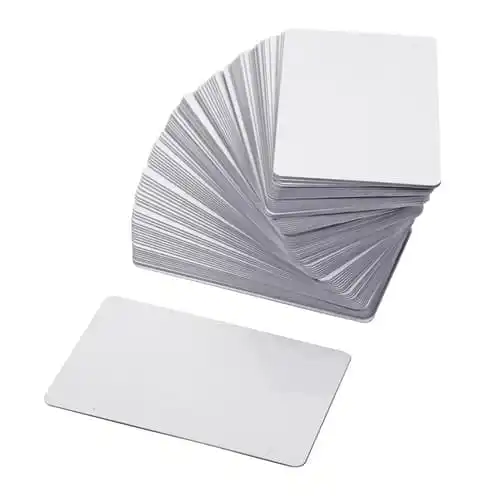
      3. Uncertified Card Stock: Substandard plastic cards with burred edges, surface debris, or uneven contours will scratch delicate printhead ceramics upon contact. Always utilize certified ISO 7810 PVC cards with smooth, precision die-cut edges.

Power Protection and Voltage Regulation

      4. Power Instability and Surges: Electrical surges, brownouts, and voltage fluctuations can damage sensitive mainboard microprocessors. Connecting your card printer to a dedicated Uninterruptible Power Supply (UPS) with voltage regulation ensures smooth, stable power delivery.

      Incorporating routine cleaning card cycles and adhering to manufacturer maintenance schedules maximizes equipment longevity. Explore TOPPAN EDGE's authorized plastic card printers and genuine maintenance kits.
